Upload a photo to start picking
Images are processed locally and never sent to a server.
Upload a photo to start picking
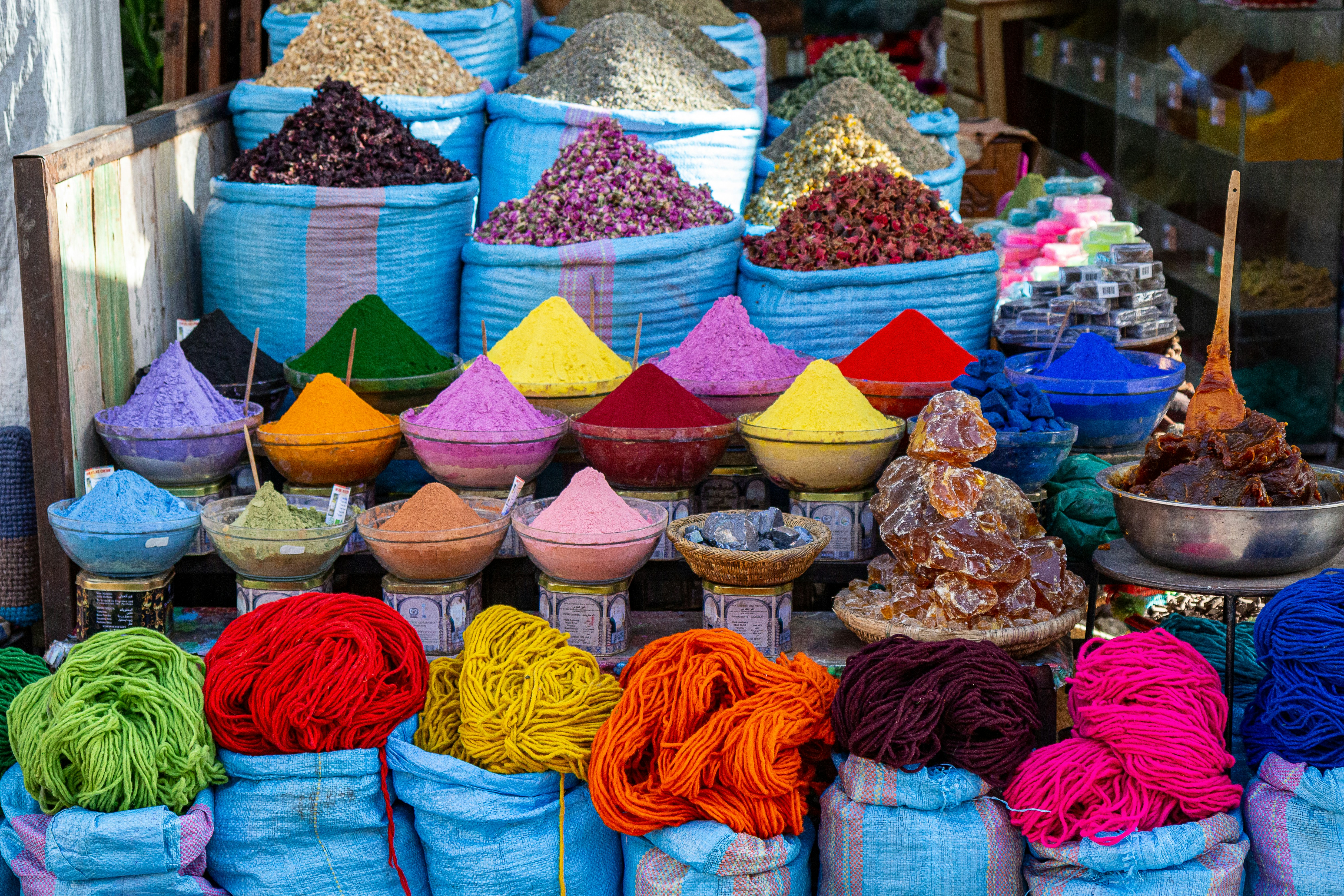
Upload a photo, then click or tap anywhere on it. The picker reads the color at that spot and finds the closest named color in the selected list, from the 30,000-name full list to historical palettes like Werner's Nomenclature or Japanese traditional colors.
Matching uses perceptual color difference (CIEDE2000 in the CIELAB color space), the same measure the Colordle game uses to score guesses. That means the result is the name whose color looks most similar to the human eye, not just the one with the nearest RGB numbers. Read more about the color science.
Your images never leave your device: they are processed entirely in your browser and are not uploaded anywhere.